
Instagram Audio Downloader
Listen & Save Reels as MP3 Free
Download Instagram Reel audio as a high-quality MP3 with ReelToAudio. No app or login needed.
Save audio without a watermark on any device. Try it now online!
Instagram Audio Downloader For Reels & Videos
The trends on social media, especially on Instagram, change regularly. Sometimes, a viral step or dance move goes viral. But sometimes it’s a unique 90s song or any person’s funny voiceover that gets attention. Similarly, to stay on top of trends and get millions of views, you may also want to save that reel audio and reuse it.
Instagram allows you to save the Reel, but it does not have a feature to save the soundtrack as a separate file. To avoid this Instagram limitation, you can use the Instagram audio downloader.
This smart tool is designed to help you download trending Instagram video reels on your Android or iOS device. You should not worry about the audio quality, as it will be in high-quality MP3 format. The features of no account registration or app installation make it even more trustworthy for users.
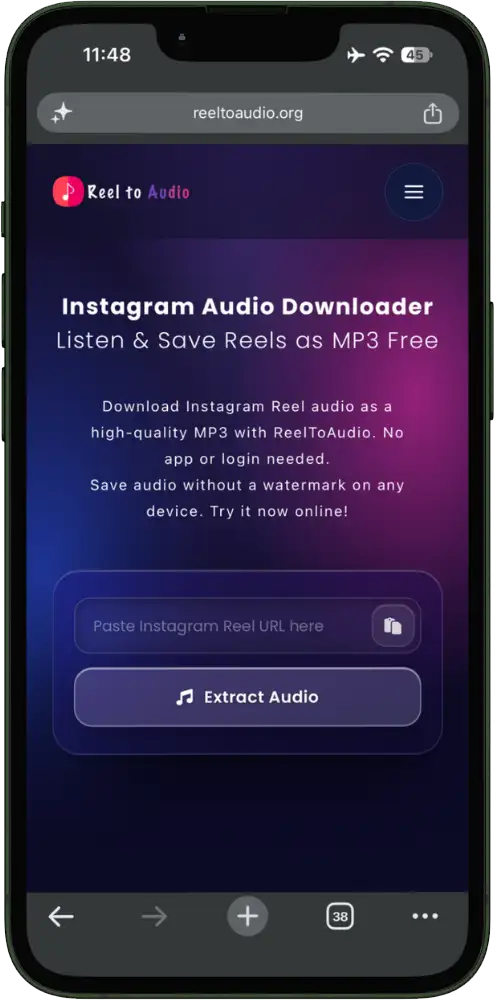
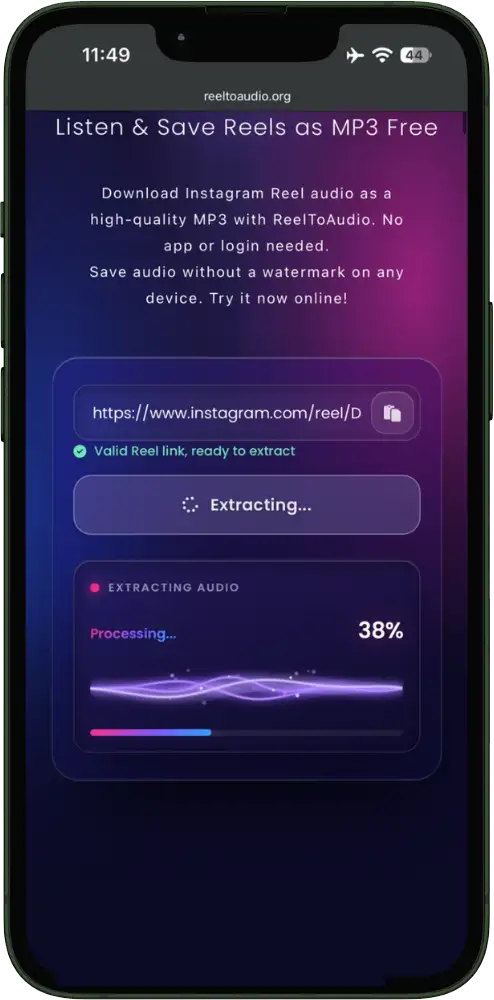
What does the Reel To Audio Downloader do?
ReelToAudio is an advanced free web-based tool. You can use it to extract Instagram reel audio instead of saving the complete reel. The working process of the Instagram audio downloader is simple. You provide a link to your favorite reel, then it fetches that specific reel from a public Instagram account. After that, it analyzes the video track and gives you audio, which you can download as an MP3.
Instagram reel to MP3 converter converts the audio in the same high quality, so that it keeps the original sound quality intact. ReelToAudio downloader is not just limited to reels; you can save audio from any Instagram video posts, feed videos, older IGTV uploads, and videos inside a carousel.
Besides its benefits, it also has some shortcomings, which you should also know before using it. It does not save audio from private accounts. You also can’t save audio from deleted reels, and it also can’t separate songs from the voiceover.
Guide to Download Audio from Instagram Reels:
3 Simple Steps!
Many people wonder how to download audio from Instagram Reels. Well, you should be an expert in a copy-and-paste workflow to
use the Instagram audio downloader. It will require three simple steps to get audio of your favorite reels or other content.
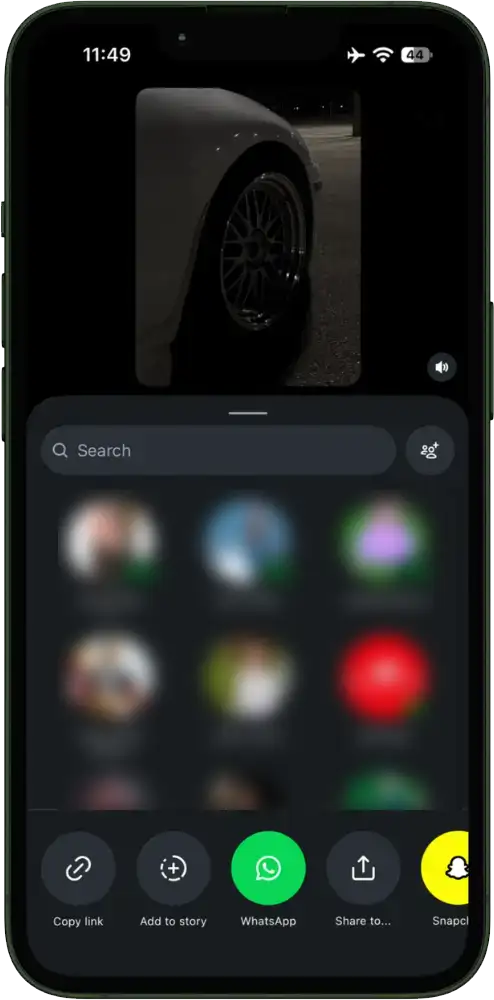
Copy The Instagram Link
You should open your Instagram account and search for the reel, video, or carousel whose audio you want to download. Next, select the content and click on the share button, and then click on the ‘Copy Link’ to copy the URL.
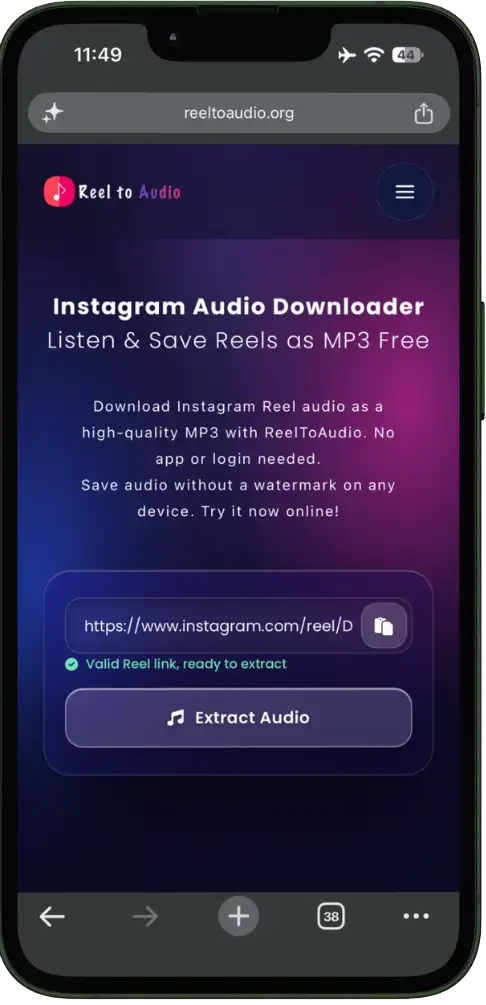
Paste Link in ReelToAudio Tool
Next, search for and open the ReelToAudio converter tool in your browser. At the top of the screen, you will find a tool; paste the content link in the box and click the “Extract Audio or Search” button.
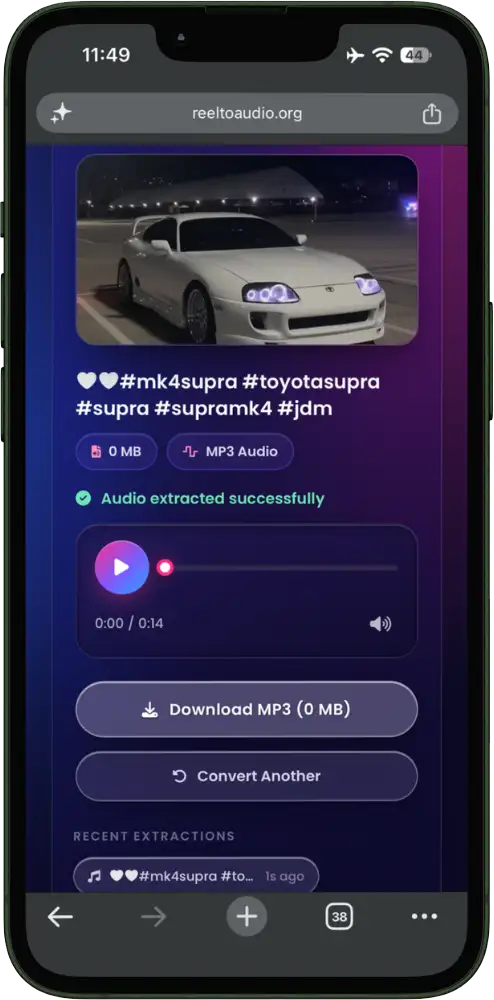
Download Audio in MP3
After processing for a few seconds, this tool will fetch the audio you want. Lastly, click on the download button to save the audio on your Device forever.
Why Use Instagram MP3 Converter?
Key Features
The Instagram video audio Downloader is rich in many amazing features. These features are added to provide users
with the best experience and help them save audio within seconds.
You must explore all these features:

High-Speed Downloading
There are multiple Insta audio downloader tools that claim to provide audio quickly. But many of them fail even during the opening stage. But ReelToAudio extracts audio from videos in no time.

Designed for All Platforms
It is obvious that not all users have the same devices or the same model. Reel To Audio is flexible and increases its compatibility; it is designed for all devices. You can use it on Android, iOS, Windows, and Mac without facing any issues or lag.
Clear MP3 Quality
Most devices are only compatible with audio in MP3 format. That’s why this tool is designed to provide high-quality MP3 audio. So, you can play it on every phone, computer, car stereo, or edit it in editing apps.

Free to Use
Another amazing benefit of the Instagram audio downloader is that it is free to use. It does not have any hidden charges or premium plans to subscribe. You can convert unlimited audios without paying anything.

No Account Creation
When you use an online Instagram reel to audio saver tool, there will be no need for account creation. As a result, you will also be saved from the hectic login steps. It doesn’t ask users to connect to the Instagram account or authorize their identity. All these features make it easy to use for every marketer or influencer who worries about their accounts.

Works on Browser
It does not occupy space on your device because there is no need to download or install any app. It works smoothly from your browser. To access it, you have to open a browser, search for it, paste the Instagram link, and get the audio.

Instagram Audio Downloader Without Watermark
While using the audio downloader, you should not worry about the watermark. This is because it allows you to save any reel or video audio without a watermark. So, you can save the audio cleanly and use it for listening or editing with the help of the Instagram audio downloader without watermark.
Extract Audio from Reels & Videos
The tool is not limited to pulling audio from reels only. However, you also have an option to take audio from videos, carousels, or other content. People can easily save songs, voiceovers, or sounds and reuse them in their content.
Saving Reel Audio on Different Devices
Instagram audio converter via link can work on different devices. The results may vary slightly, but the end result
will be the same. You will get audio of your favorite clip or video from a public Instagram account.
Because ReelToAudio is a browser-based tool, you can use it on Android, iOS, Windows, and Mac.
Downloading Instagram Audio on Android
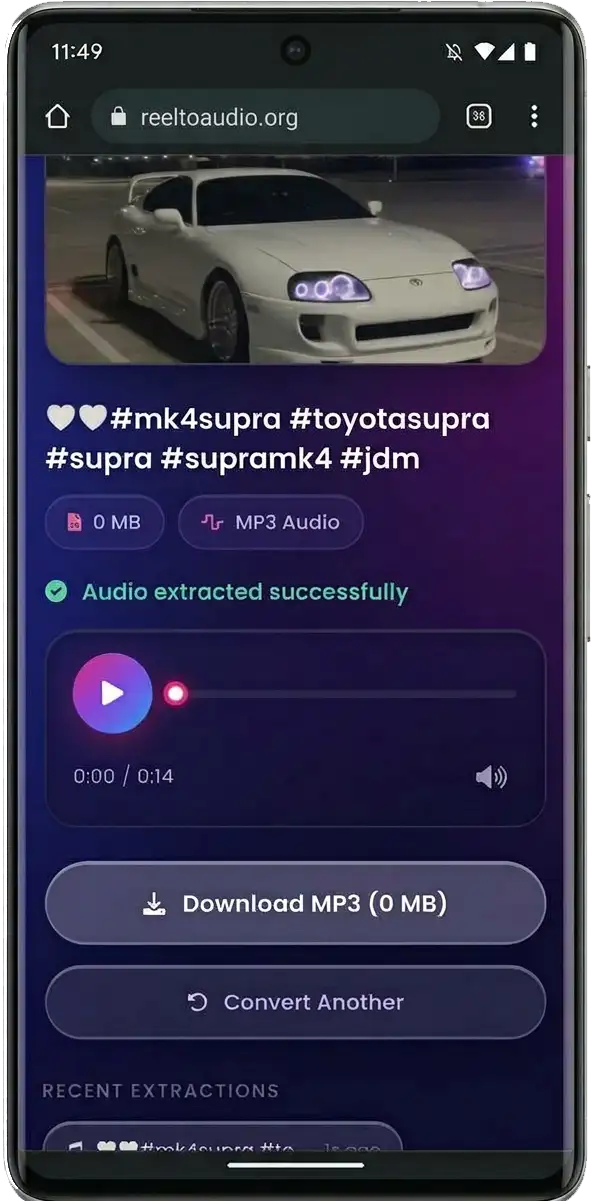
The Instagram reel audio downloader works smoothly and is easy to use in the browser on your Android device. You just have to follow a few simple steps to save audio on your device.
You must log in to your Instagram account and search for the reel you want to save audio from. Copy the URL by clicking on the share button. After that, open our Instagram to MP3 converter tool, paste the copied Instagram post link into the tool, and download the audio.
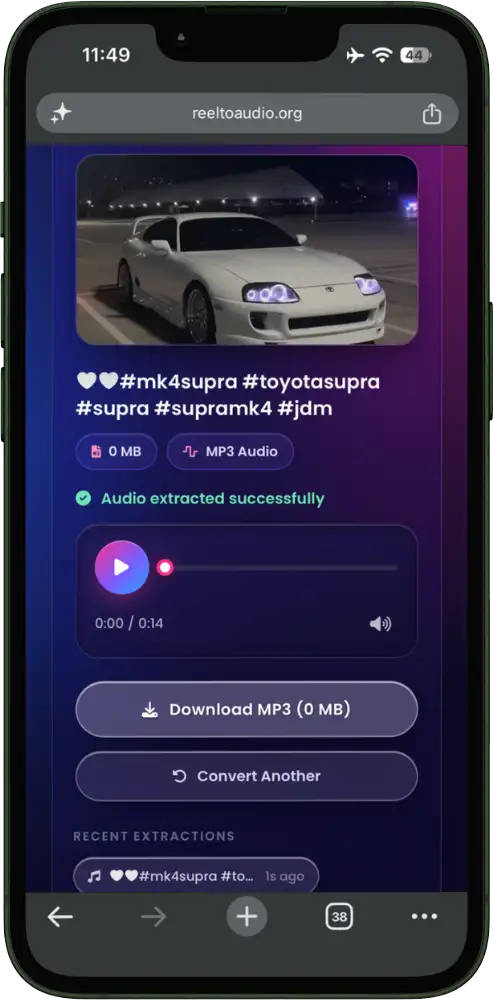
Download Instagram Audio on iPhone or iPad
The working of ReelToAudio on iOS devices such as iPhone or iPad is almost similar to Android ones. You must copy the Reel link from the Instagram app; make sure it is from a public account.
Then, open the ReelToAudio downloader in your Safari browser, paste the Instagram Reel URL, and convert and download the audio. iPhone saves the MP3 in the Files app. You can play it, rename it, or share it with other apps.
Downloading Audio on Windows or Mac
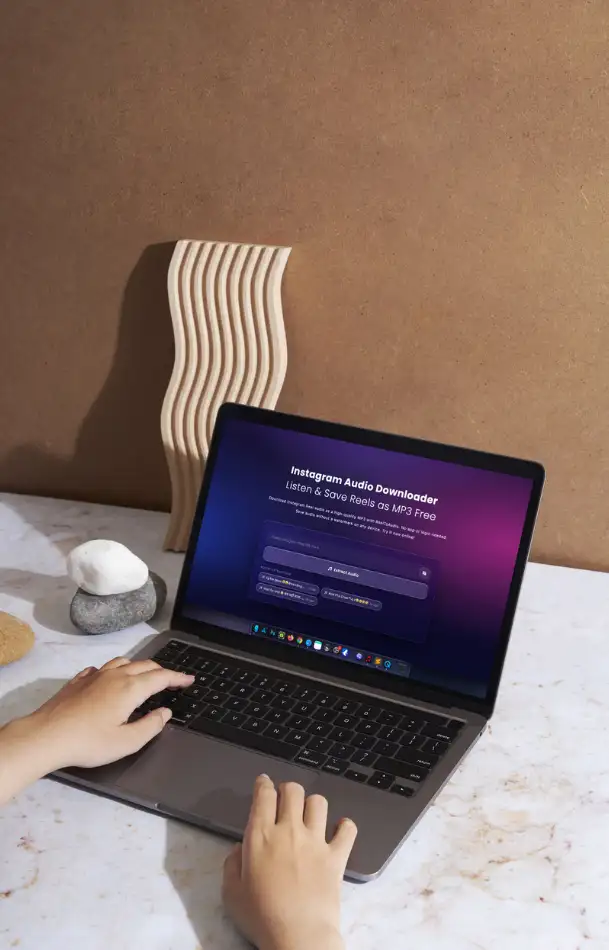
You can open Instagram and the Instagram audio converter tool in any supported browser on Windows or Mac. For example, you can use Firefox, Chrome, Edge, or Safari on Mac to download Instagram audio on PC.
Firstly, open the Instagram app and copy the reel URL from the share option. Then open the audio saver tool and paste the copied post link. Lastly, download the MP3 audio on your computer.
Exploring Audio Quality & Limitations
Let’s talk about the audio quality and limitations the Instagram Reel audio converter has. The MP3 audio file will contain the exact quality that the person uploads on Instagram. That means this audio saver tool does not change the audio quality it serves you; it is as it is.
However, Instagram itself compresses audio in reels while uploading; typically, AAC is converted to around 128 Kbps. Our smart ReelToAudio tool extracts that exact track and converts it into MP3.
As it matches the exact audio, you will not notice any difference from the original. Moreover, no audio converter tool has the potential to recover the details that are already removed during Instagram compression.
Here are realistic limitations that you must know before you start using the Instagram audio downloader:

Private Accounts Limitations
To save the reel audio, you must be able to see the content of that account. That means the account should be public, so that the tool can fetch data. If the account is private, no legitimate tool can fetch its audio.

No Access to Deleted or Removed Reels
If Instagram has deleted or removed the post, then you cannot access that specific video in any way. Similarly, in this situation, this tool also cannot help access the soundtrack.

Silent Reels will Provide Silent Files
You will get an empty or silent MP3 file if the reel does not have any audio track. That’s why you should check the audio before trying to extract it to save your time and effort.

Stories and Live Video aren’t supported
The tool extracts audio from Instagram Reels or saved posts. It cannot save audio from stories, which disappear after 24 hours, and live video sessions.

Lengthy Videos may also have limitations
The duration of Instagram Reels ranges from seconds to minutes, which makes it easy to extract sounds. But when you extract audio from lengthy IGTV posts, the processing will be slower.
Instagram Audio Downloader Not Working? Fixes That Actually Work
You can face multiple issues when extracting the audio from Instagram reels or videos. Here we mention the most common issues and their fixes for your help:
Private Accounts Limitations
To save the reel audio, you must be able to see the content of that account. That means the account should be public, so that the tool can fetch data. If the account is private, no legitimate tool can fetch its audio.
“Invalid link” or “couldn’t fetch” errors.
When you get an Invalid Link issue or similar, you should double-check that you copied the right and full reel URL. Besides that, also ensure that the reel is on a public Instagram account and is not deleted.
No Audio Found
Some reels don’t contain audio tracks, or Instagram doesn’t expose audio for some reels. If this issue occurs, you should try other similar reels and try to fetch the audio using an Instagram reel audio downloader.
Download won’t start on iPhone
Due to strict restrictions of Safari on iPhone, sometimes downloading from third-party sites does not start immediately. Click the download button and hold to open options. Now choose “Download Linked File”, and then check your Files app. Alternatively, you can also use Chrome on iOS for smoother downloading.
The file downloads but won’t play
The issue of the file not playing even after downloading occurs when the download is interrupted during the process. To resolve this issue, you should delete the partially downloaded file and try again on a stable internet connection.
Is Downloading Reel Audio Legal? Copyright Rules You Should Know
Downloading reels or video audios that are available publicly is usually considered safe and legal. These songs, videos, voiceovers, or clips belong to artists, influencers, or other creators who share content publicly. You can save their content on your personal device to listen to.
But republishing it or using it for commercial purposes is different. If you use someone else’s soundtrack in your monetized videos or use it for commercial reasons, it can raise Instagram audio copyright issues.
As a result, YouTube, Instagram, or Facebook can take down your videos. You can use Instagram’s own music library or provide credits to the real owner.
Frequently Asked Questions
Summary
With the use of the ReelToAudio Downloader, it will become easy for you to save Instagram Reel audio as MP3. Due to its multi-device compatibility, you can also use it on Android, iOS, Windows PC, and Mac. It works perfectly fine from your web browser. This feature also removes the need to install any app or log in.